

Syed Abbas Ali (Abby)
Full Stack Developer · Delhi, India
Custom-built Mainframe SaaS — no template could have produced this.
Every few months someone sends me a message that goes something like: 'My Webflow site is great, but it won't do X. Can you help?' Or: 'My agency built us a WordPress site 2 years ago and it's broken again.' Or: 'My developer quoted me ₹8 lakh for a custom site — is that normal?'
These aren't edge cases. They're the three most common traps businesses fall into when building a web presence. I've worked in all three environments professionally, and I'm going to give you the most honest comparison I can — including when I'd actually recommend Webflow or WordPress instead of custom code.
Webflow: beautiful product, real ceiling
Webflow is genuinely impressive for what it is. If you need a marketing site that looks polished, doesn't require a developer after launch, and needs to be up fast — Webflow is a legitimate tool. I'm not here to bash it.
The problems start when your project grows. Webflow's CMS is limited to about 10,000 items per collection, which sounds like a lot until you're running a real estate portal or a job board. The logic layer is visual, which means anything complex — conditional displays, dynamic filtering, real-time data — either requires workarounds or isn't possible at all.
And then there's the hosting lock-in. Your entire site lives on Webflow's servers. If they change pricing or shut down a plan, your website goes with it. I've had clients come to me specifically to escape this situation.
When does Webflow make sense? Landing pages for marketing campaigns. Brand sites that don't need complex functionality. Scenarios where a non-technical founder genuinely needs to update content without a developer. For these — it's fine.
Webflow's SEO control is decent but not complete. You can't add custom HTTP headers, edge functions, or server-side rendering logic — things that matter for performance at scale.
WordPress: the most misunderstood tool on the internet
WordPress has a reputation problem because it's been used for everything from simple blogs to enterprise e-commerce — and it was really only designed for the first category.
The plugin ecosystem is its biggest strength and its biggest vulnerability simultaneously. Need a booking system? There's a plugin. Need all three systems to work together without breaking each other? Good luck. I've audited WordPress installs with 47 active plugins. Every plugin is a potential security hole, a performance drain, and a point of failure when something updates.
The sites that work well on WordPress are the ones with strict plugin discipline — and that's rare in practice.
When does WordPress still make sense? Large established teams who already know the CMS. Sites with very specific WooCommerce requirements that have no custom-code equivalent. Situations where the client's internal team needs a familiar admin panel.
"WordPress's market share of 43% isn't a sign of quality — it's a sign of how cheap and easy it is to get started. The real cost comes later."
— Something I tell clients every other week
Custom code: where it actually wins
Custom-built React/Next.js sites do one thing better than anything else: they do exactly what you need them to do, nothing more and nothing less.
No plugin conflicts. No CMS ceiling. No hosting lock-in. No monthly licence fees that compound every year. The codebase is yours — you can take it to any developer, any hosting provider, and run it anywhere.
The performance argument is significant. A Next.js site served from Vercel's edge network, with proper image optimisation and code splitting, will consistently load in under 1.2 seconds on 4G mobile. I have Lighthouse reports to prove this. A comparable WordPress/Elementor site routinely hits 4–8 seconds. That gap costs you leads.
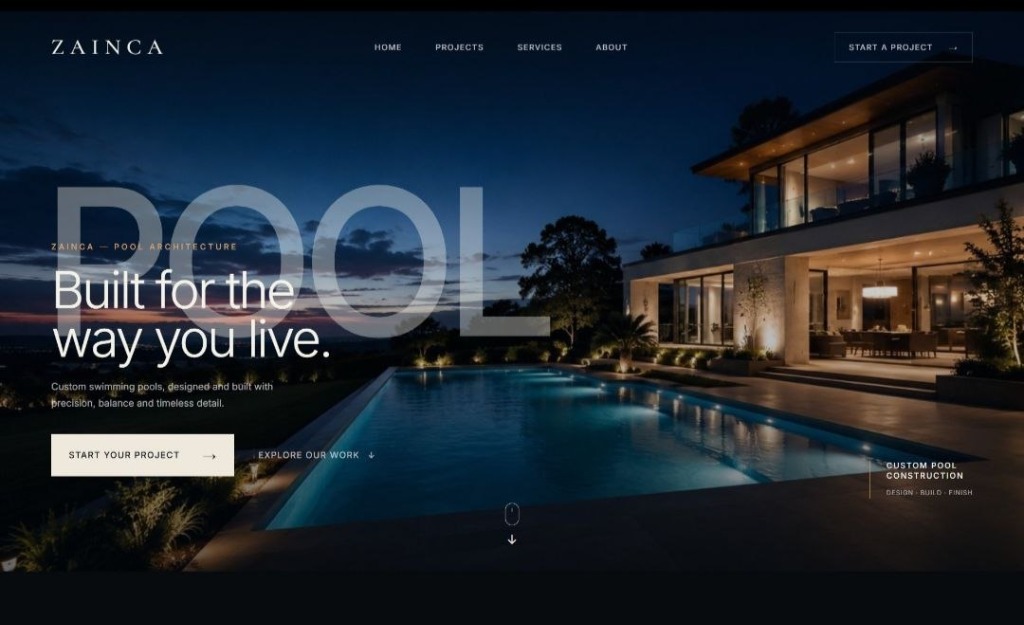
The actual decision framework
Marketing site only, non-technical team, no complex functionality → Webflow.
Large existing WordPress investment, complex WooCommerce setup, internal CMS team → Stay on WordPress, clean it up.
Any of the following: complex data logic, real-time features, custom checkout, performance-critical experience, long-term ownership without monthly SaaS fees → Custom React/Next.js.
The price point question: custom code costs more upfront. But a Webflow Business plan at $36/month is $432/year. Custom code has no recurring licence fee. The maths usually evens out within 3–5 years, and you own the asset.
Final thought
There isn't one right answer. But there is usually one right answer for your specific situation. If you want 20 minutes to talk through your project and get an opinion with no sales agenda attached — contact me. I'll tell you what I'd actually build if it were my own business.
Syed Abbas Ali(Abby)
Full Stack Developer & Web Architect based in Delhi, India. 3+ years building websites and web applications for founders, startups, and growing businesses. I handle everything: design, frontend, backend, and deployment.
READY TO BUILD SOMETHING?
Full stack engineering, clean code, 6–7 day delivery. Let's talk.